
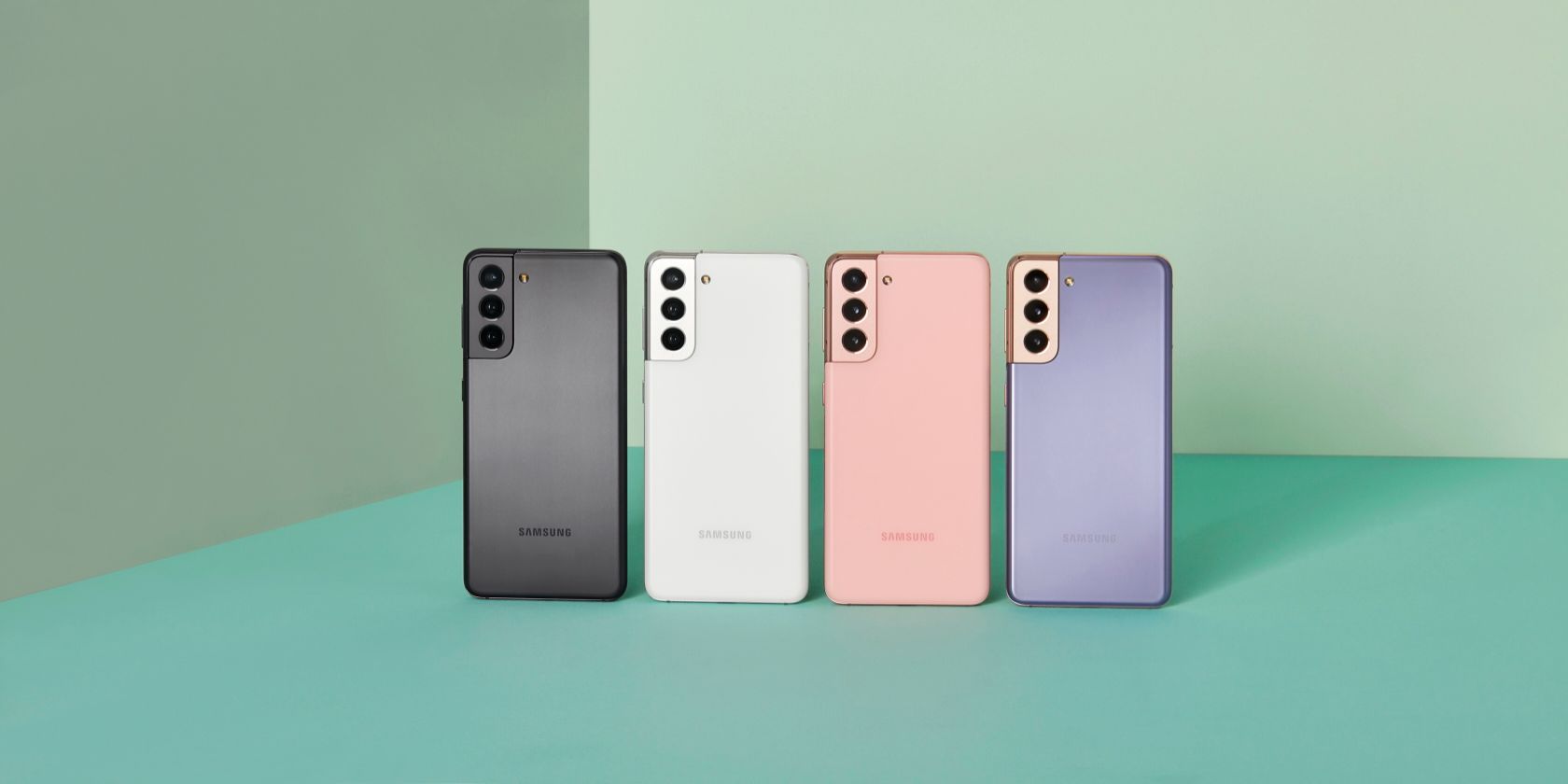
Samsung has started rolling out the April security patch for the Galaxy S21 series. The update also brings some camera-related performance improvements and other enhancements.
Samsung has managed to roll out the April security patch for its current flagship Galaxy devices ahead of Google. The latter is yet to roll out the April security patch for the Pixel devices, which it usually does on the first Monday of every month.
Latest Galaxy S21 Update Improves Portrait Mode
Apart from the April security patch, the latest update for the Galaxy S21 series also brings Portrait mode support for the primary camera. As SamMobile reports, Galaxy S21 owners were previously limited to using the Portrait mode with the ultrawide or the telephoto camera.
Using the primary 12MP camera on the Galaxy S21/Plus or the 108MP camera on the Galaxy S21 Ultra for portrait shots will provide better image quality, especially in low-light scenarios, compared to the ultrawide or telephoto lens. This is because the primary camera has the largest camera sensor of all, along with the widest aperture.


Samsung's official change-log for the update is generic and does not highlight any other changes apart from improvements in camera performance and device stability. However, the update is over 1GB in size, so it should pack a lot more improvements under the hood as security patches for Galaxy devices are generally around 100-200MB in size.
Samsung may have fixed the overheating issues plaguing many Galaxy S21 owners with this update. Additionally, the update could fix the slow camera app performance that has been affecting Galaxy S21 users.
Other flagship Samsung devices like the Galaxy Note 20 and Galaxy S20 series should also start receiving the April security update within the next week or so.
The Samsung Galaxy S21 series is among the many Galaxy devices that are eligible to receive four years of security updates and three OS updates from Samsung.
How to Update Your Samsung Galaxy S21
You can grab the latest security patch for your Galaxy S21 by going to Settings > Software Update > Download and Install.
If you own a carrier variant of the Galaxy S21, it is possible that the update might not show up immediately on your device. This is because the update will first have to be approved by your carrier before Samsung can roll it out, which usually takes a few days.
Samsung Is Setting the Benchmark for Android Updates
Back in the day, Samsung was heavily criticized for its slow and non-existing software updates. However, the company has come a long way since then and has been regularly updating its Galaxy devices with the latest security patches and OS updates.





0 Comments