
- 8.80/10 1. Premium pick: Logitech Group Video Conferencing System
- 8.80/10 2. Editors choice: Meeting Owl Pro
- 9.60/10 3. Best value: Tenveo Group All-in-One Video Conferencing System
- 8.20/10 4. Jabra PanaCast
- 9.00/10 5. Poly Studio
- 9.20/10 6. Logitech MeetUp ConferenceCam
- 8.80/10 7. Logitech BCC950 ConferenceCam
- 8.20/10 8. Huddly GO Video Conferencing Camera
Video conferencing is increasingly becoming popular as businesses embrace working from home programs. Investing in one of the best video conferencing equipment lets you naturally interact with your remote workers, much like in-person meetings.
Compared to the standard webcams for home office and streaming, video conference equipment feature smart cameras with a wide field of view, microphones, and room-filling speakers to clearly see and hear every participant.
Here are the best video conferencing equipment for your small businesses.


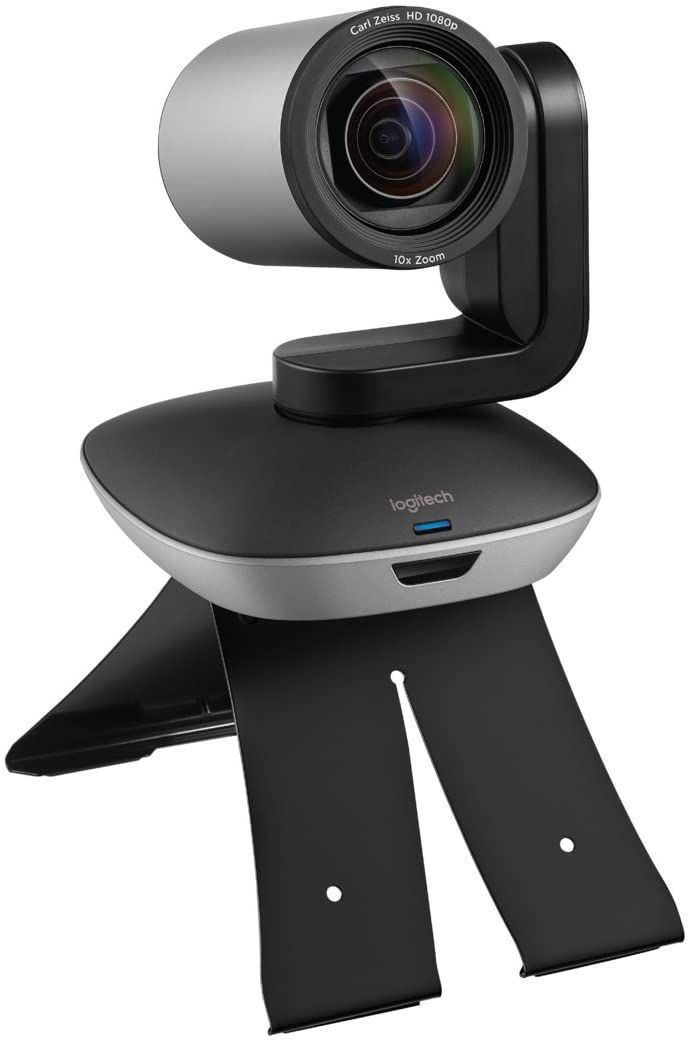
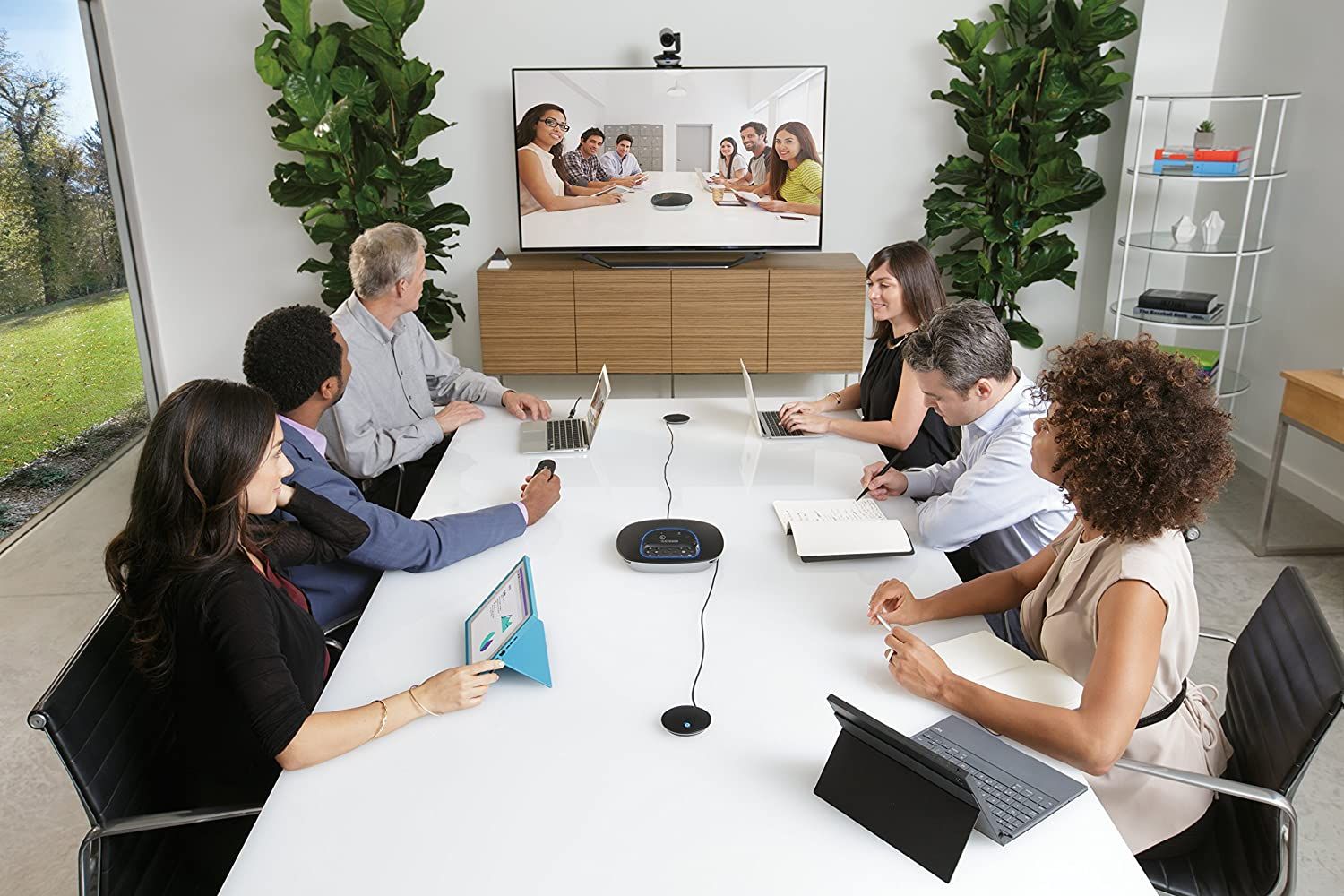
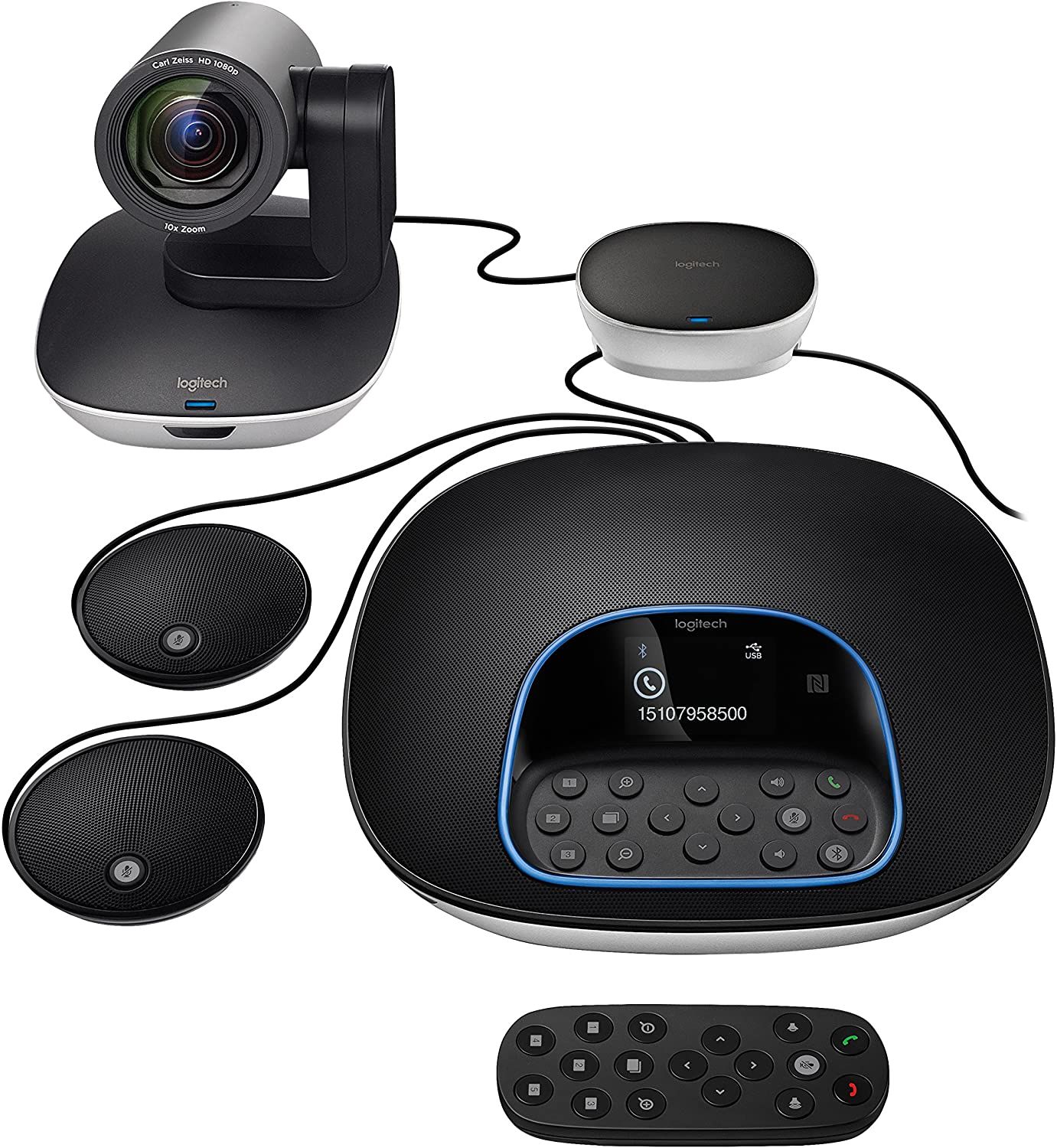
The Logitech Group Video Conferencing System is the best video conferencing unit for large conference rooms. It's an all-in-one system with a camera, speakerphone, and two expansion mics for increased voice pickup range.
The Logitech Group is optimized for large rooms with up to 20 participants. The speakerphone and expansion mics combine to offer a voice pickup range of 28 feet with 360-degree coverage. In addition, the echo and noise cancelation makes it great for use in large halls or noisy environments.
Overall, this is an excellent professional web conferencing camera system for businesses and enterprises. It is certified for most video conferencing software and records clear and sharp 1080p video.
- All-in-one system with camera, speaker, and microphones
- 28-foot voice pickup range
- 10x zoom, 260 degrees pan, and 90 degrees tilt
- Echo and noise cancelation
- Brand: Logitech
- Resolution: Full HD (1920x1080)
- Rotation: No
- Wide Angle Lens: 90 degrees
- Connection: USB Type-A
- Integrated Lighting: No
- Excellent audio and image quality
- Increased audio range with expansion mics
- Easy to setup
- Compatible with, and certified by, many video conferencing apps
- Pan and tilt is slow


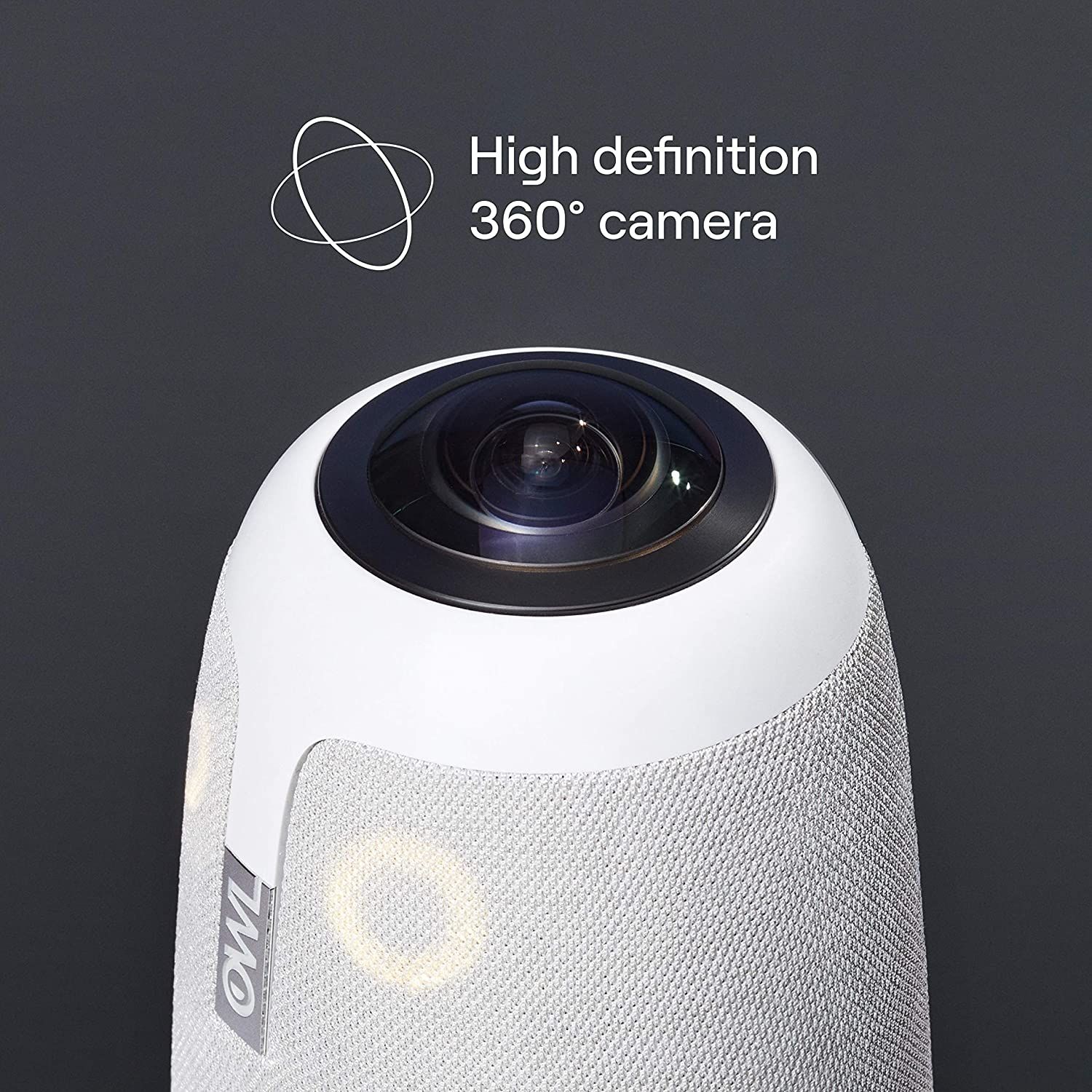
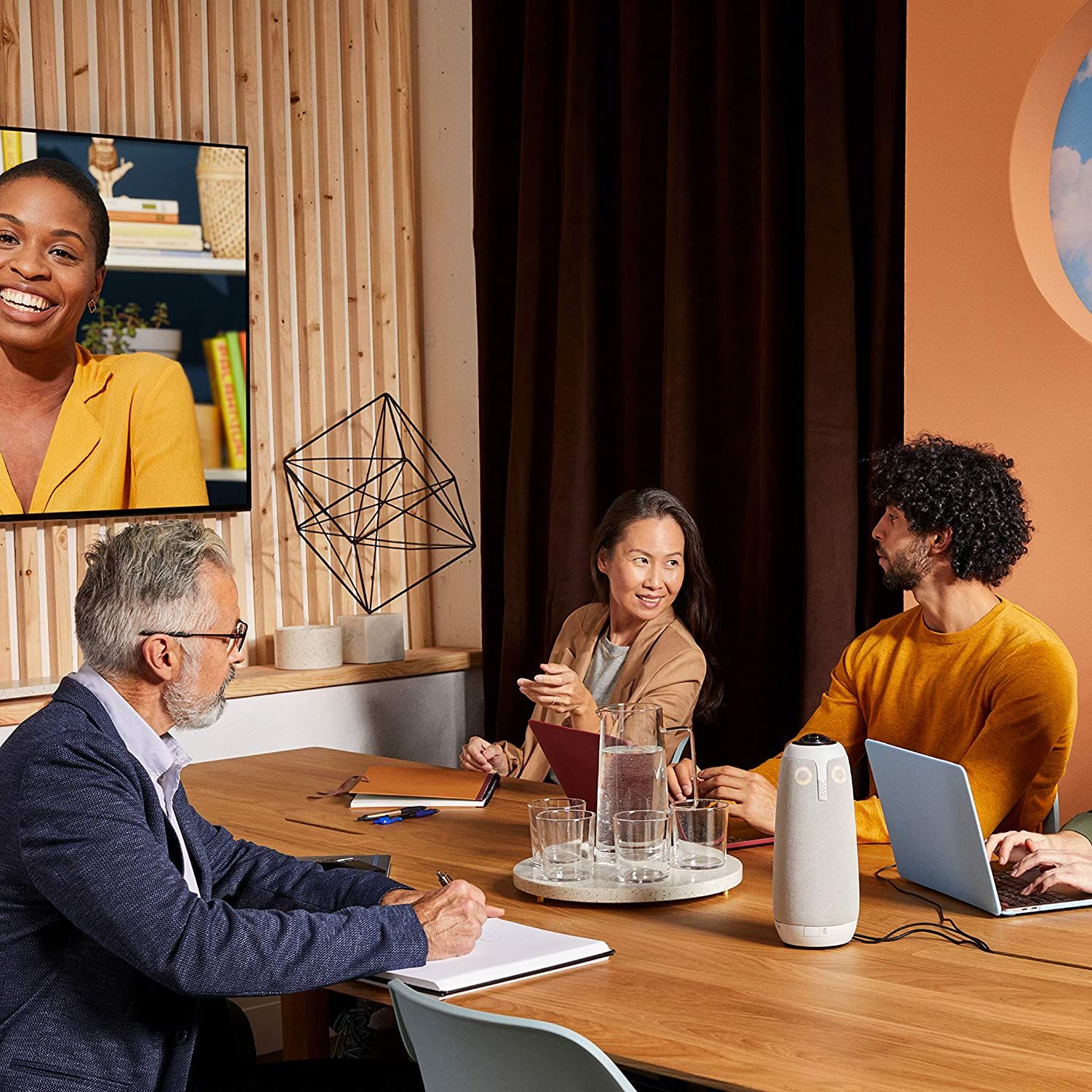
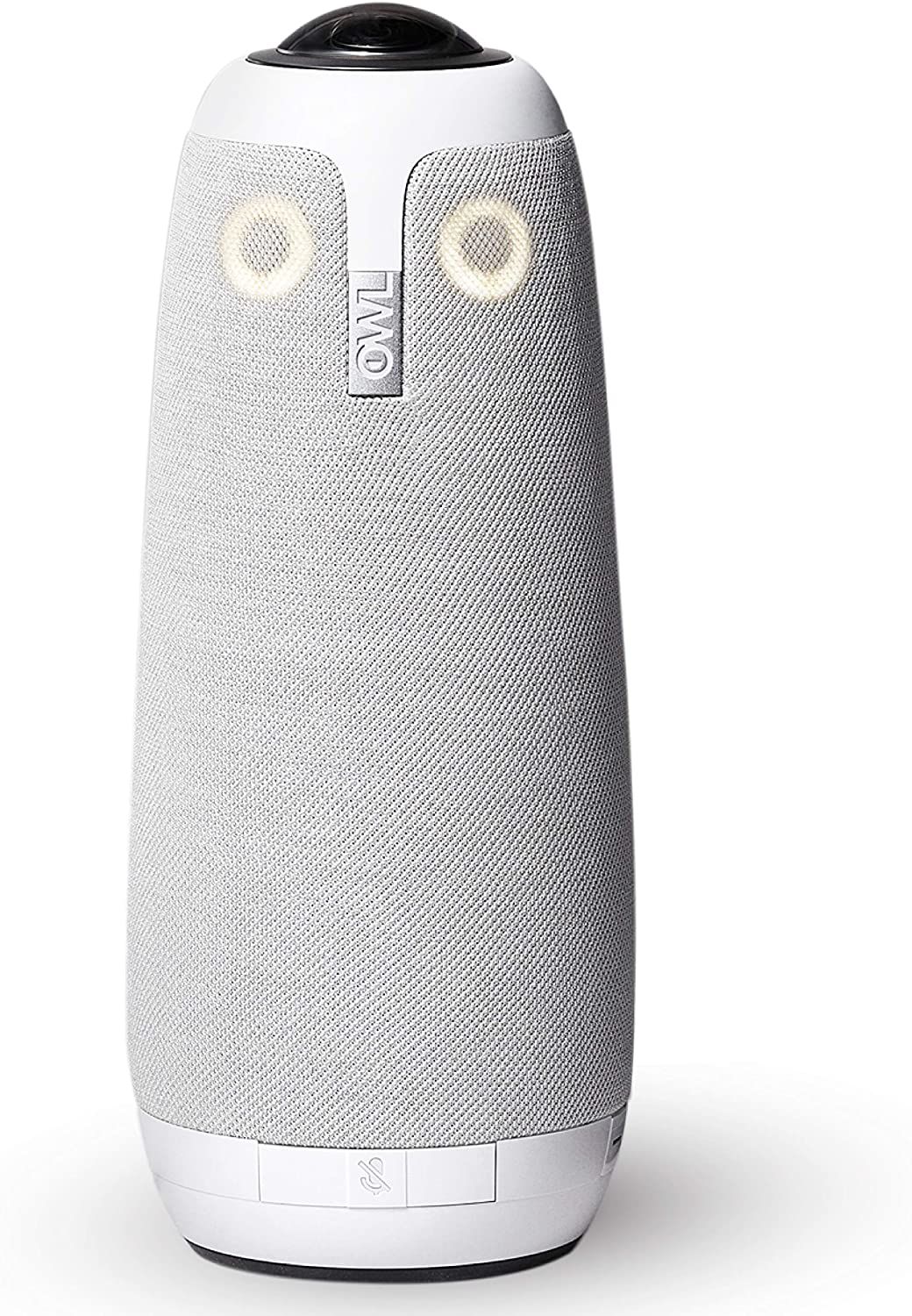
The Meeting Owl Pro is everything you would want in professional video conferencing equipment. It combines a 360-degree camera, speaker, and eight microphones, designed to provide an immersive video conferencing experience for remote employees.
The Meeting Owl Pro is ideal for medium to large meeting rooms. In addition, it is much more portable than the Logitech Group, allowing you to move it to different conference rooms quickly.
With a 360-degree camera, the Meeting Owl Pro records a panoramic view of the meeting and automatically focuses and zooms to who is speaking. It can output all the participants and up to three highlighted speakers. The Meeting Owl Pro works with Zoom, GoToMeeting, Skype, Slack, and other video conferencing apps.
- 18-foot voice pickup range
- 360-degree field of view and audio
- Autofocus and smart zooming
- All-in-one video conferencing equipment
- Brand: Owl Labs
- Resolution: Full HD (1920x1080)
- Rotation: No
- Wide Angle Lens: 360 degrees
- Connection: USB Type-A
- Integrated Lighting: No
- Excellent audio and video quality
- Loud integrated speaker
- Easy to use and great software
- Portable design
- Uses a dated micro-USB connector


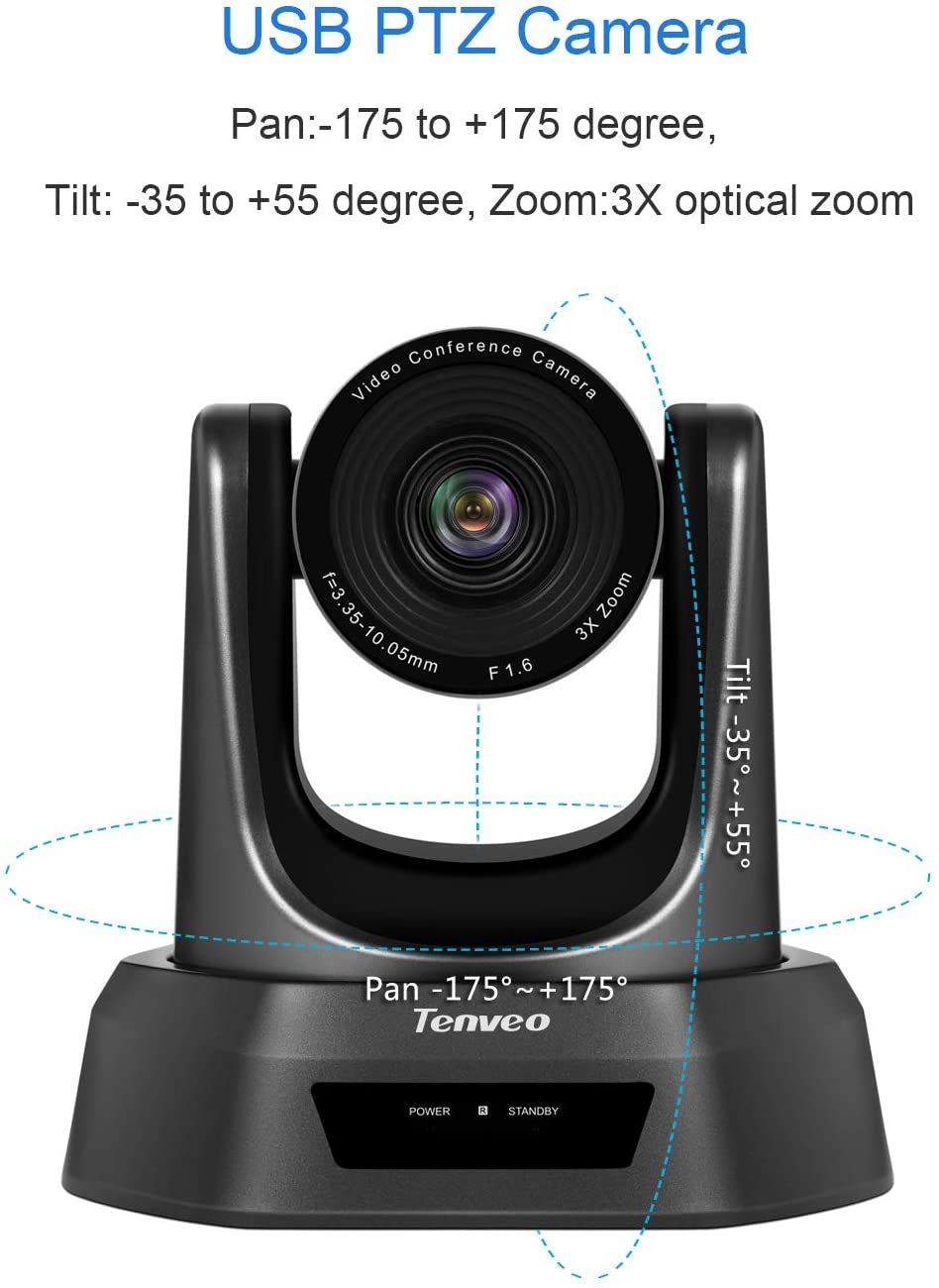
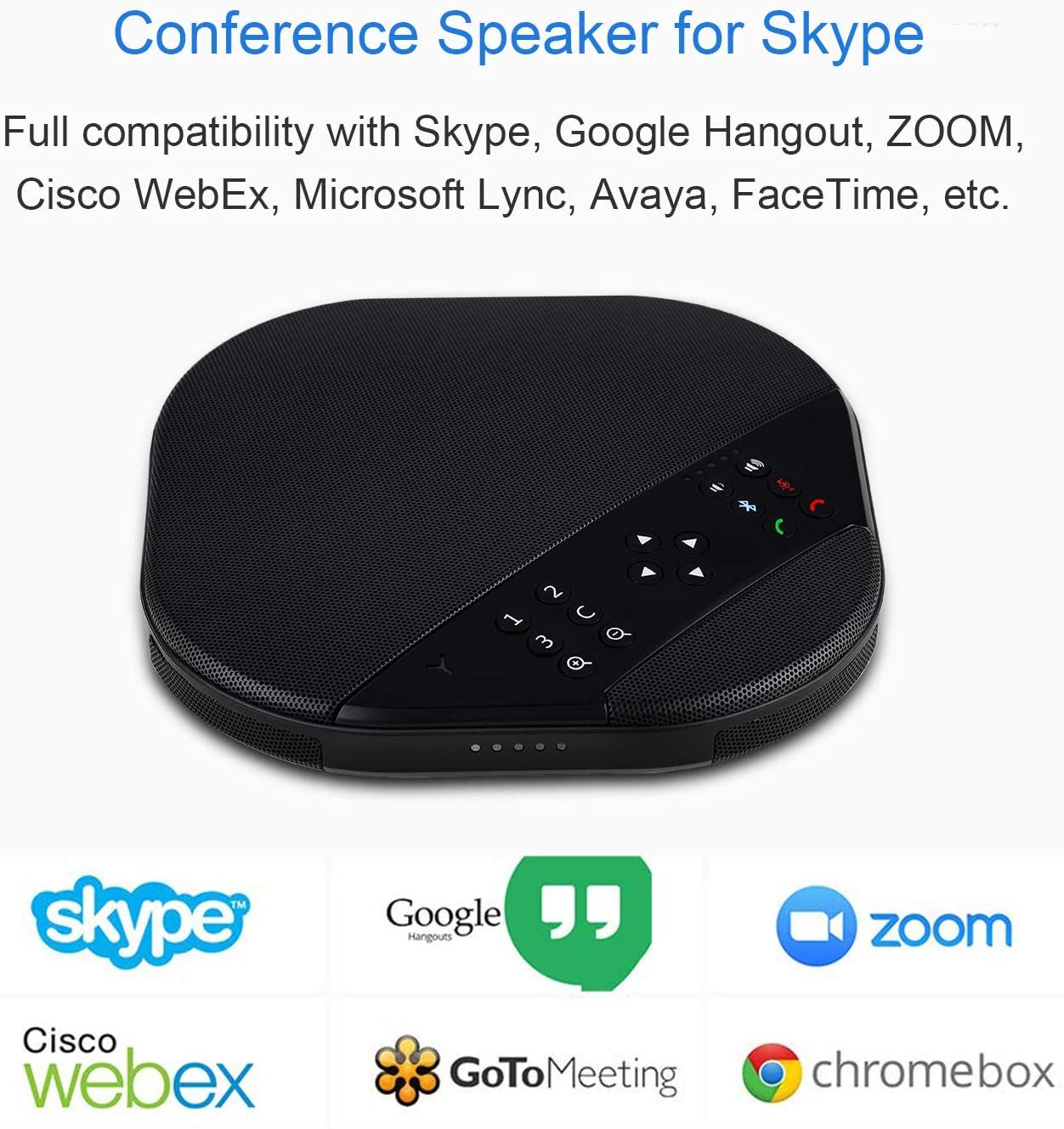
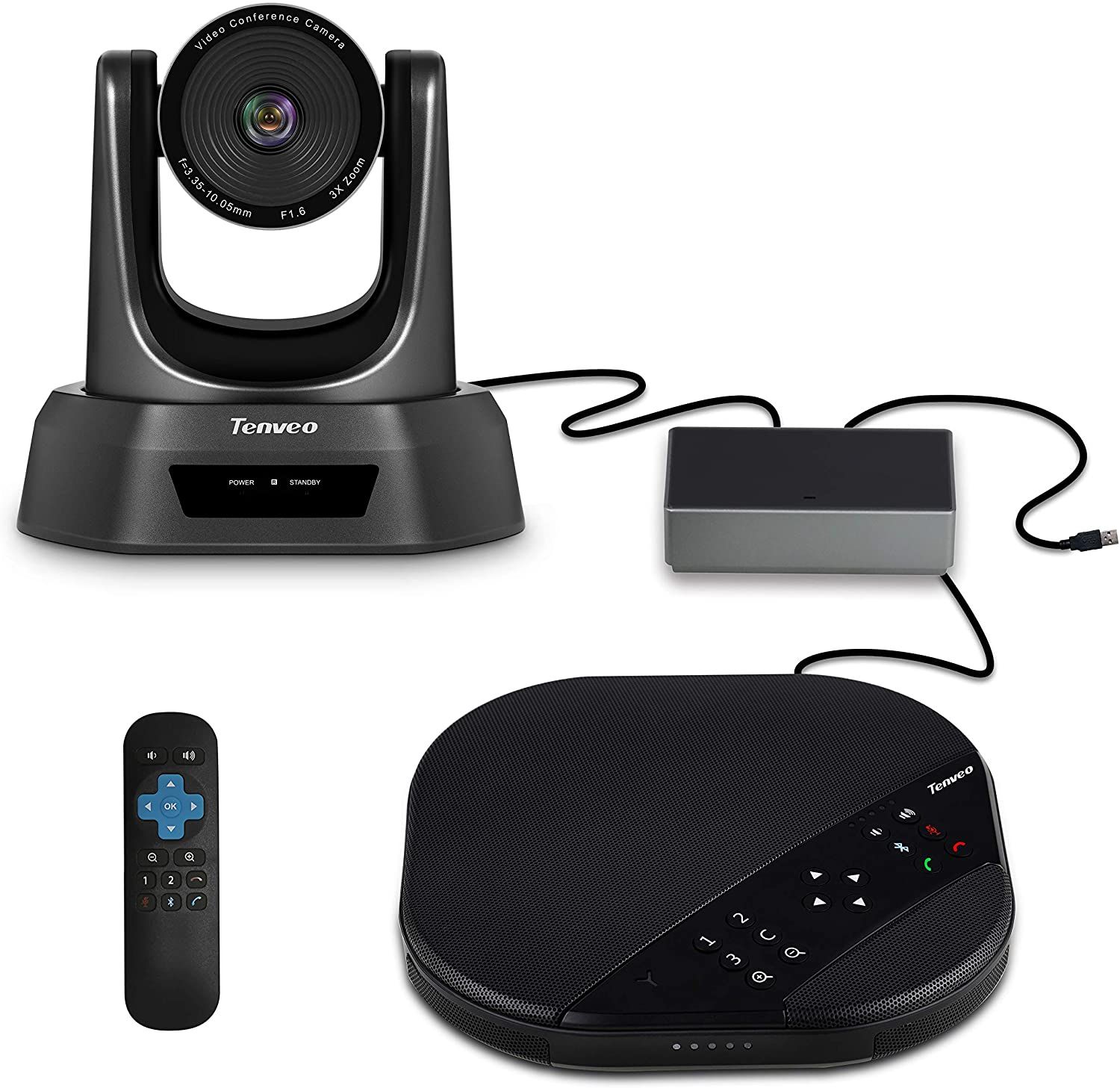
The Tenveo Group All-in-One Video Conferencing System has many similar features as the Logitech Group, but it's designed for small to medium rooms. It's great for those looking for a professional video conferencing camera and speaker bundle that does not break the bank. You can also add two expansion mics to cover a wider space.
The Tenveo Group records 1080p video and works with most web conferencing software. The included speakerphone is loud and features echo cancellation and noise reduction to deliver clear audio to your remote workers. With Bluetooth connectivity, you can use the speaker to answer voice calls from your phone.
However, the Tenveo Group is not suitable for round or circular group setups. The camera's limited 90-degree field of view works best when placed in front of the whole group. You can use the zoom, pan, and tilt to capture different angles as desired.
- 20-foot voice pickup range
- PTZ camera with 3x zoom, 350 degrees pan, and 90 degrees tilt
- Echo cancellation and noise reduction
- Complete camera, microphone, and speaker conference system
- Brand: Tenveo
- Resolution: Full HD (1920x1080)
- Rotation: No
- Wide Angle Lens: 90 degrees
- Connection: USB
- Integrated Lighting: No
- Affordable
- Great video quality
- Optional extension mics for greater audio range
- Plug and play on Mac and PC
- Not great for circular settings


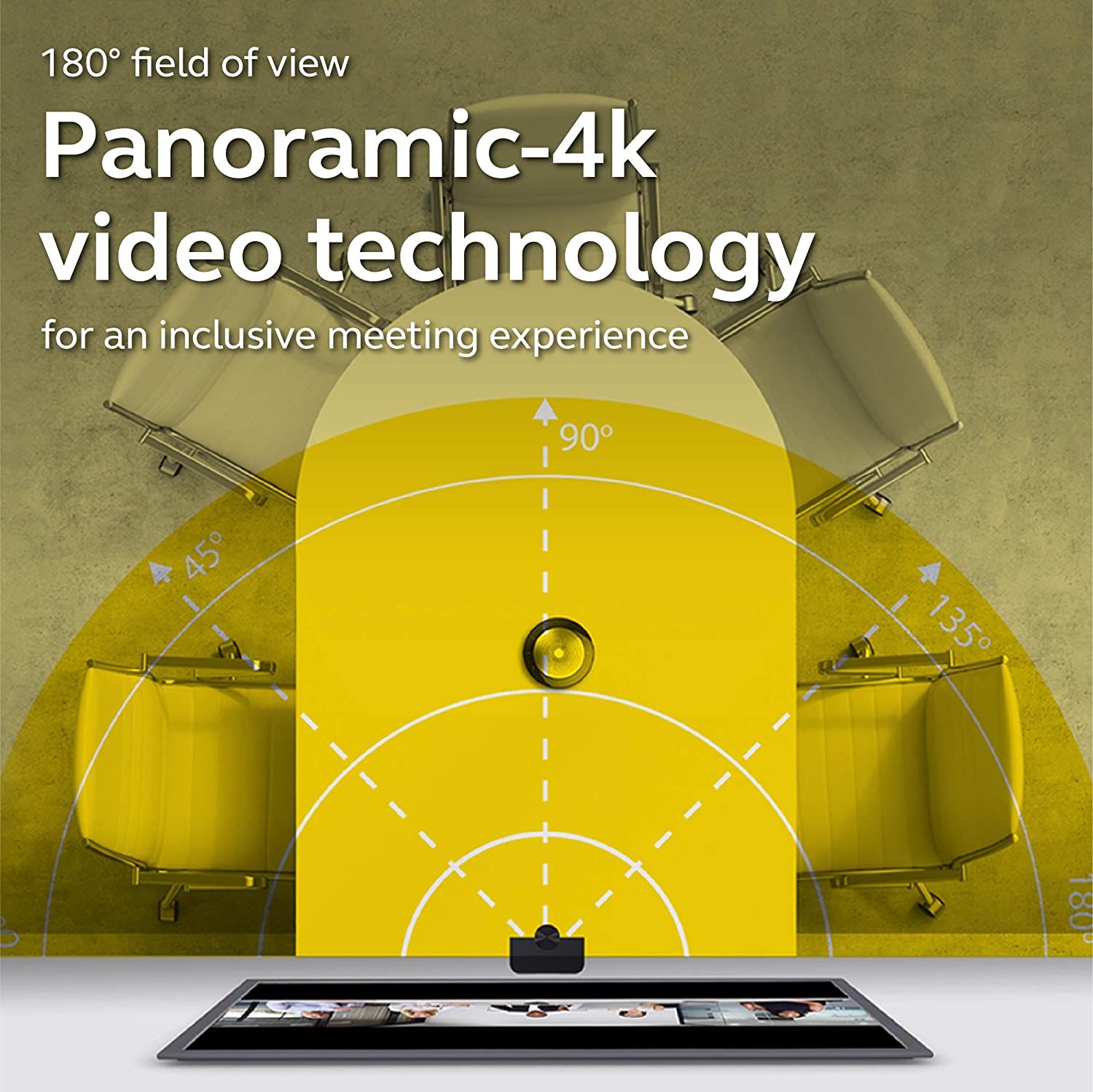
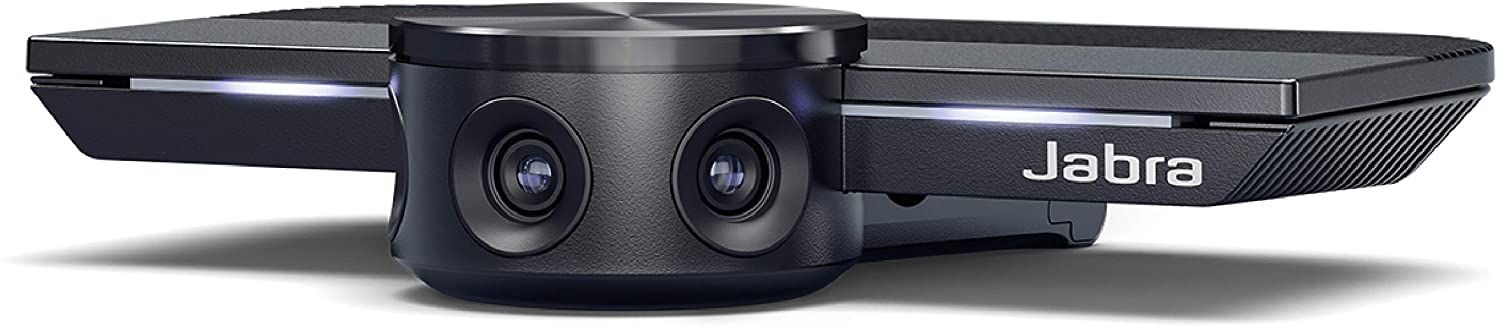
If you're looking for a professional video conference camera, the Jabra PanaCast is an excellent option. It combines the feed of three 13MP cameras into a high-quality panoramic-4K video output using real-time video stitching technology. With this, it can cover a more expansive space, up to 180 degrees at once.
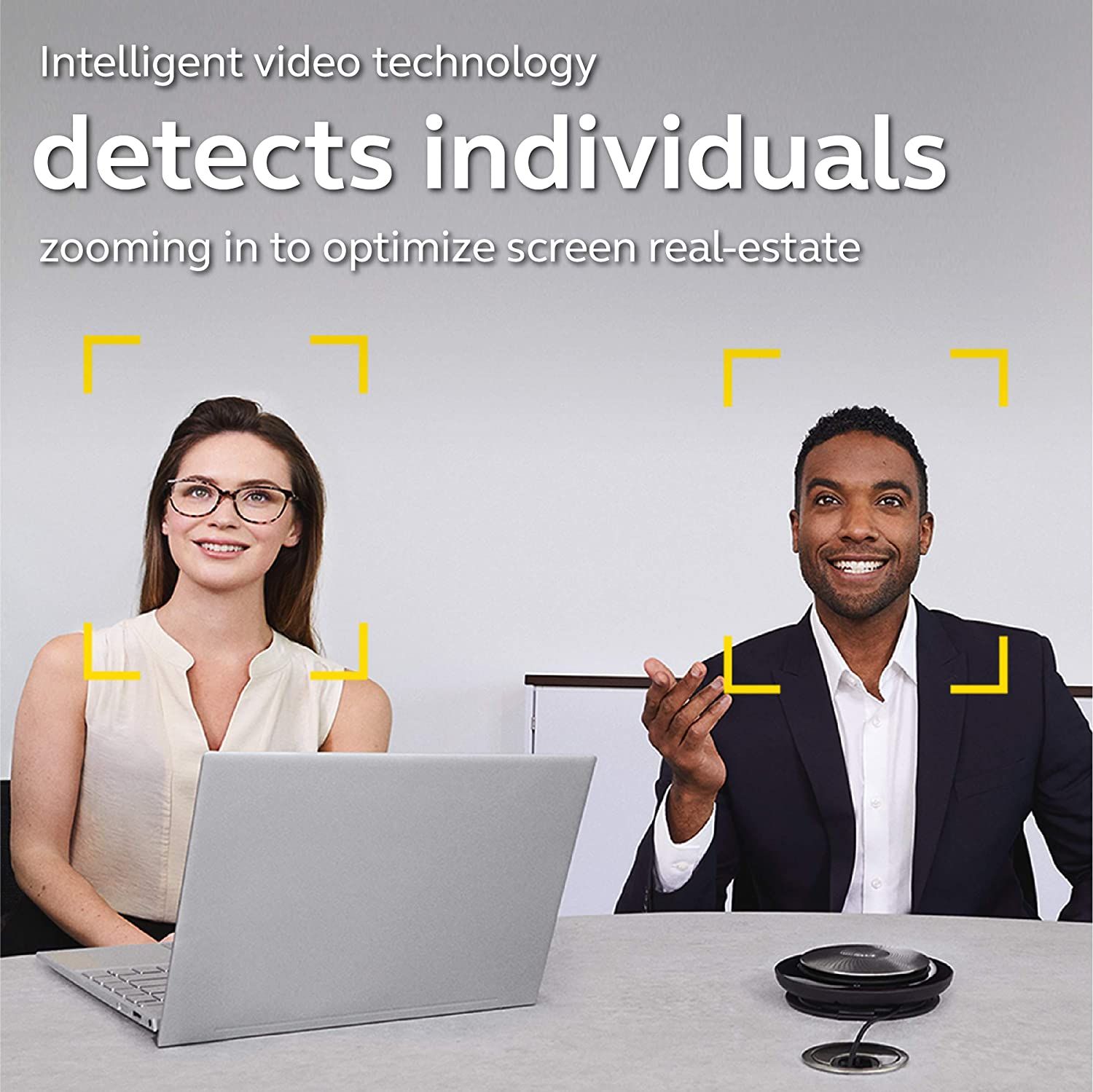
One of the best selling features of the Jabra PanaCast is that it can automatically detect individuals and zoom in or out as participants join or leave the meeting room. So when more people join the meeting, it will intelligently zoom out and frame all the participants.
The Jabra PanaCast also features excellent tools for businesses and institutions, such as whiteboard sharing and analytics. The only downside is that you'll still need to buy a separate conference speaker as the PanaCast only includes a camera and microphones.
- Three 13MP cameras and two microphones
- Dynamic real-time stitching technology
- Certified for Microsoft Teams
- Camera can detects individuals automatically
- Brand: Jabra
- Resolution: Panoramic 4K (3840x1080)
- Rotation: No
- Wide Angle Lens: 180 degrees
- Connection: USB-C
- Integrated Lighting: No
- High-quality video
- Great software
- Intelligent zoom works great for larger groups
- No built-in speaker


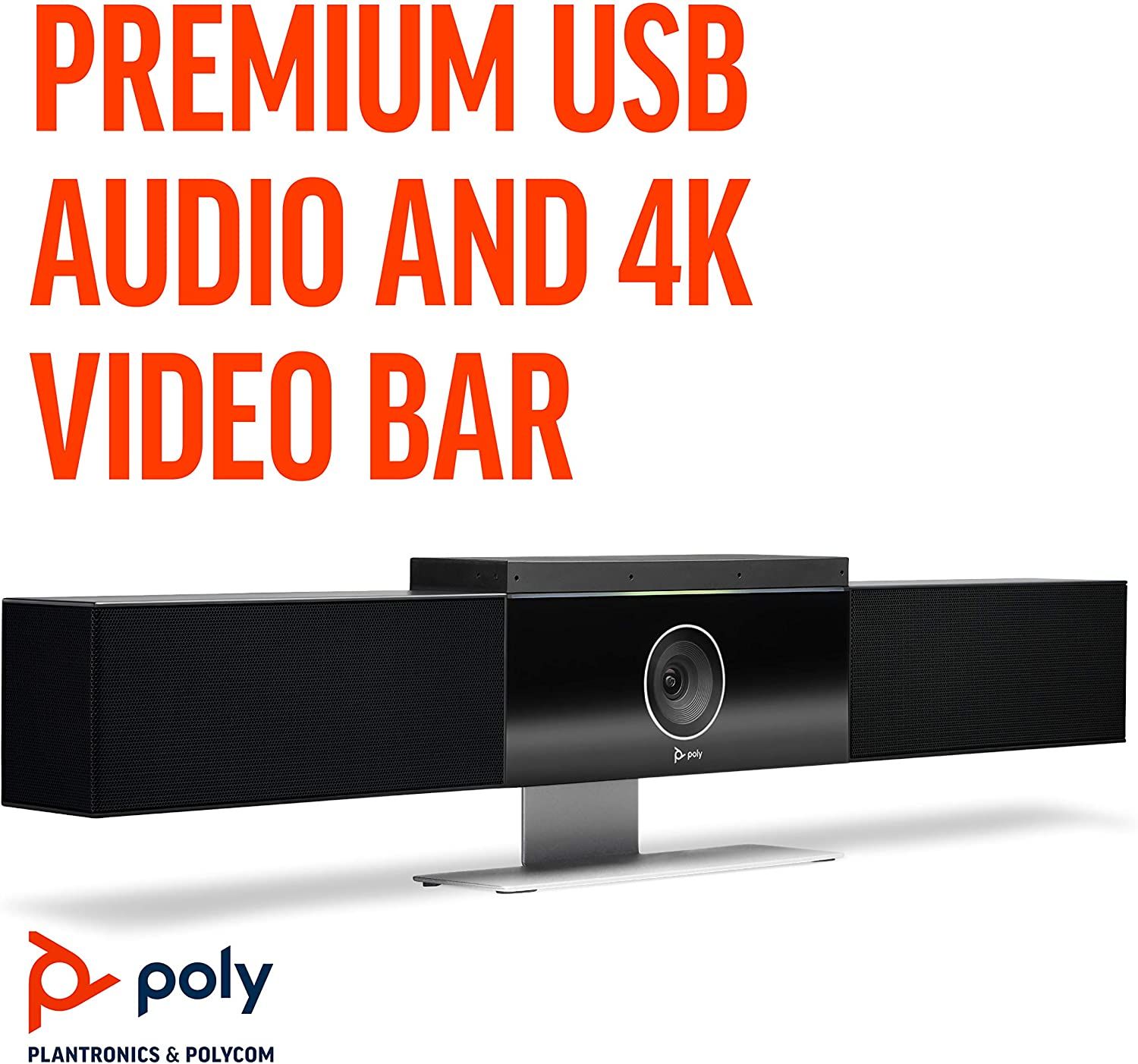

The Poly Studio is an all-in-one video conferencing equipment that records high-quality images in 4K resolution. As a result, it's ideal for conference meetings that demand a high level of detail, such as product presentations and classrooms.
While the Poly Studio comes with a wide 120-degree field of view camera, the best part is that it can automatically adjust the field view to frame every person in the room. Once the meeting starts, the camera will follow and focus on the current speaker, which is excellent for presentation-based meetings.
The audio quality is equally impressive. There's noise cancellation that allows participants to hear and be heard from up to 12 feet away. The Poly Studio is certified for Microsoft Teams and Zoom, but it also works with other apps such as Cisco Webex.
- 12-foot voice pickup range
- Automatic people framing and speaker tracking
- Noise cancellation for crystal clear audio
- All-in-one conference system with camera, microphones, and stereo speakers
- Brand: Poly
- Resolution: 4K (3840x2160)
- Rotation: No
- Wide Angle Lens: 120 degrees
- Connection: USB-C
- Integrated Lighting: No
- Excellent video quality
- Improved audio quality
- Great smart features
- A little expensive
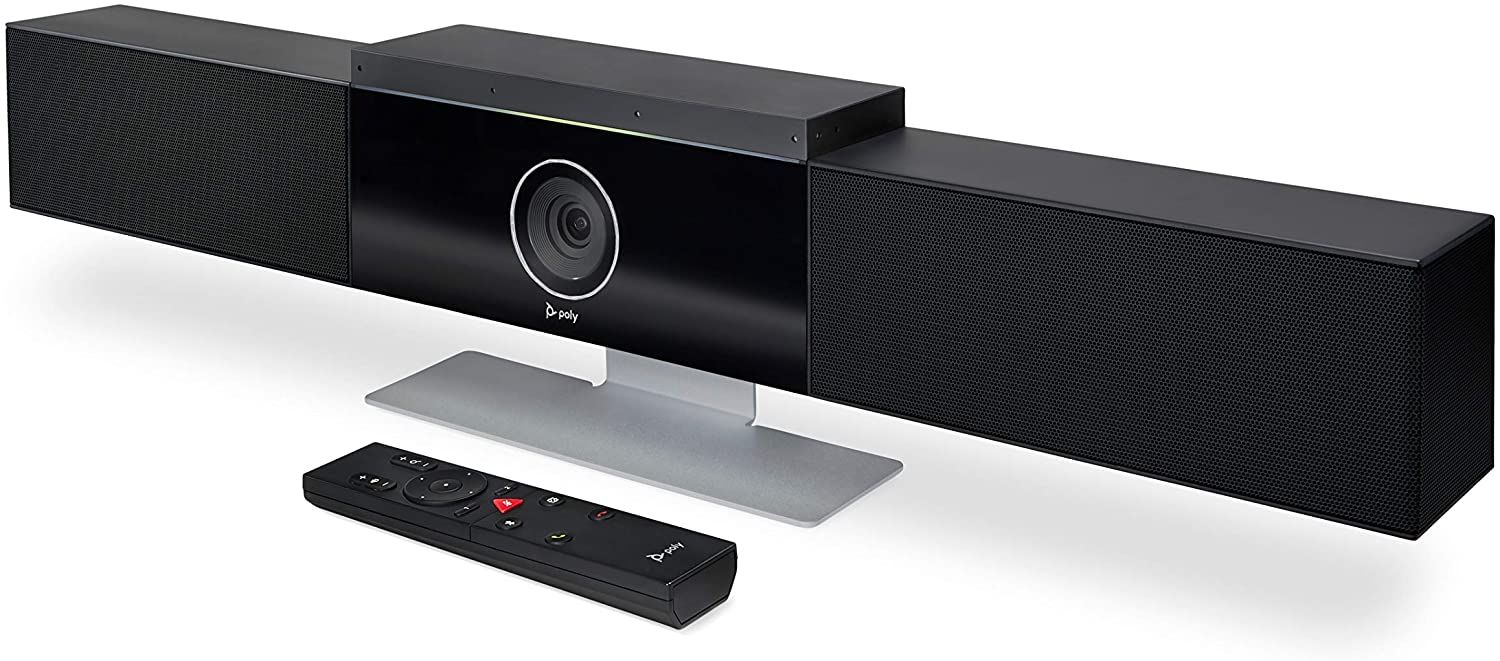


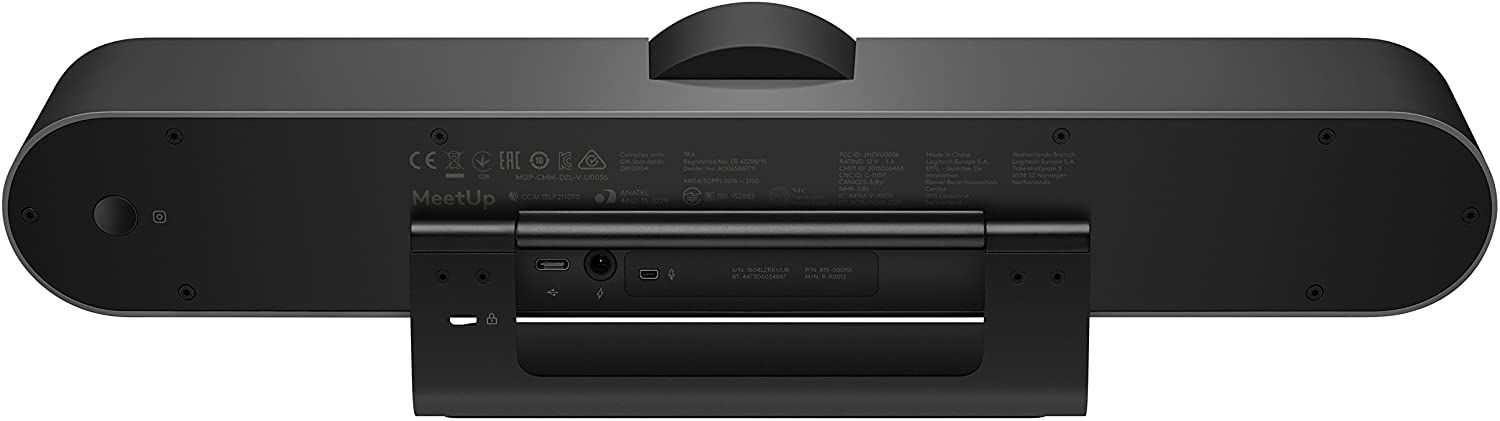
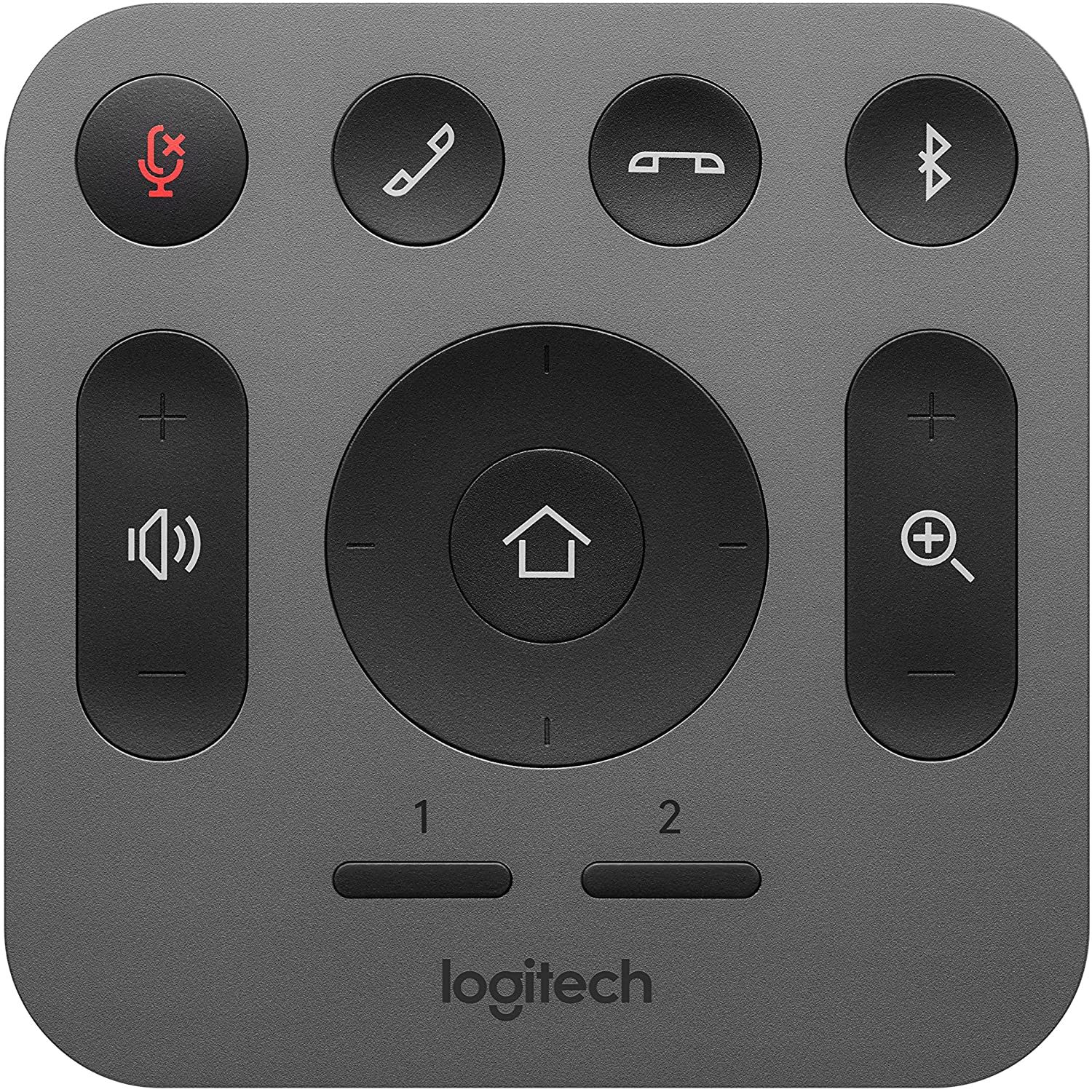
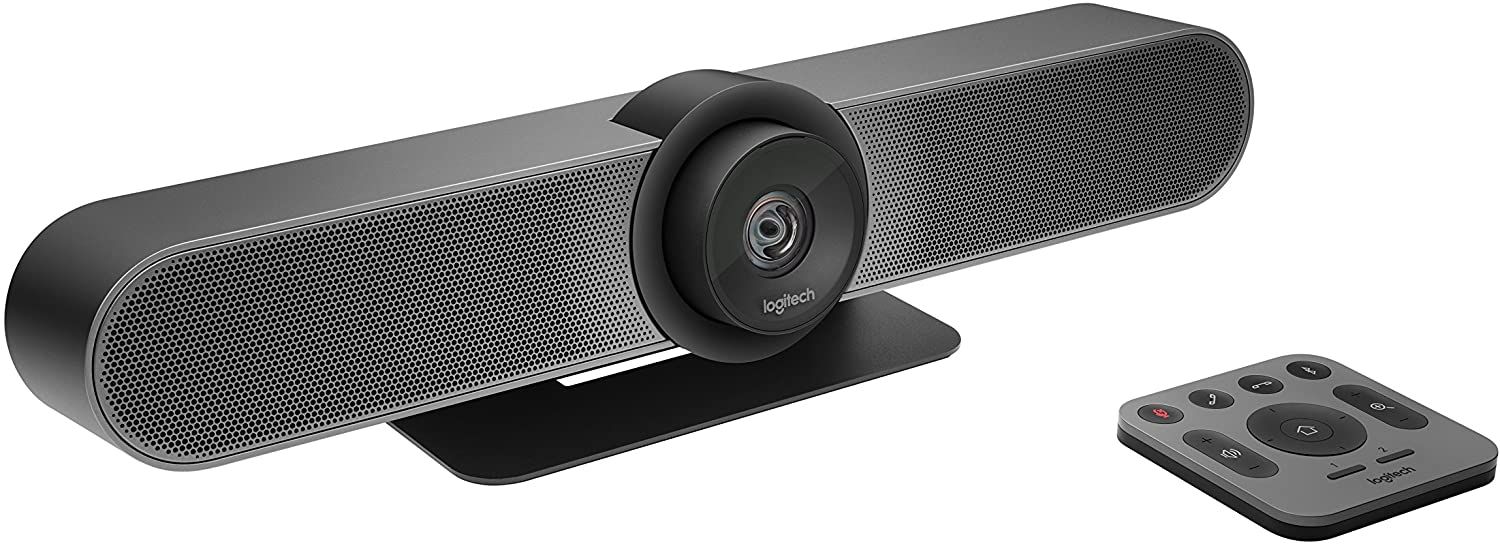
The Logitech MeetUp ConferenceCam is often considered alongside the Poly Studio. They both record high-resolution 4K videos and can automatically adjust the camera position to frame people in the room.
However, instead of focusing on the current speaker during the meeting, like the Poly Studio, the MeetUp displays all the participants in the room, making it ideal for collaborative meetings.
Elsewhere, you're getting all-in-one video conferencing equipment with a 4K camera, three microphones with a 13.1-foot voice pickup range, and a room-filling speakerphone that you can also use to make phone calls via Bluetooth. The MeetUp is optimized for small rooms and works with all popular video conferencing solutions.
- 13.1-foot voice pickup range
- Group framing
- All-in-one system with a camera, microphone, and speaker
- Brand: Logitech
- Resolution: 4K (3840x2160)
- Rotation: No
- Wide Angle Lens: 120 degrees
- Connection: USB
- Integrated Lighting: No
- Excellent video quality
- Great smart features
- Optional expansion mic to increase voice pickup range
- Portable design
- Expensive


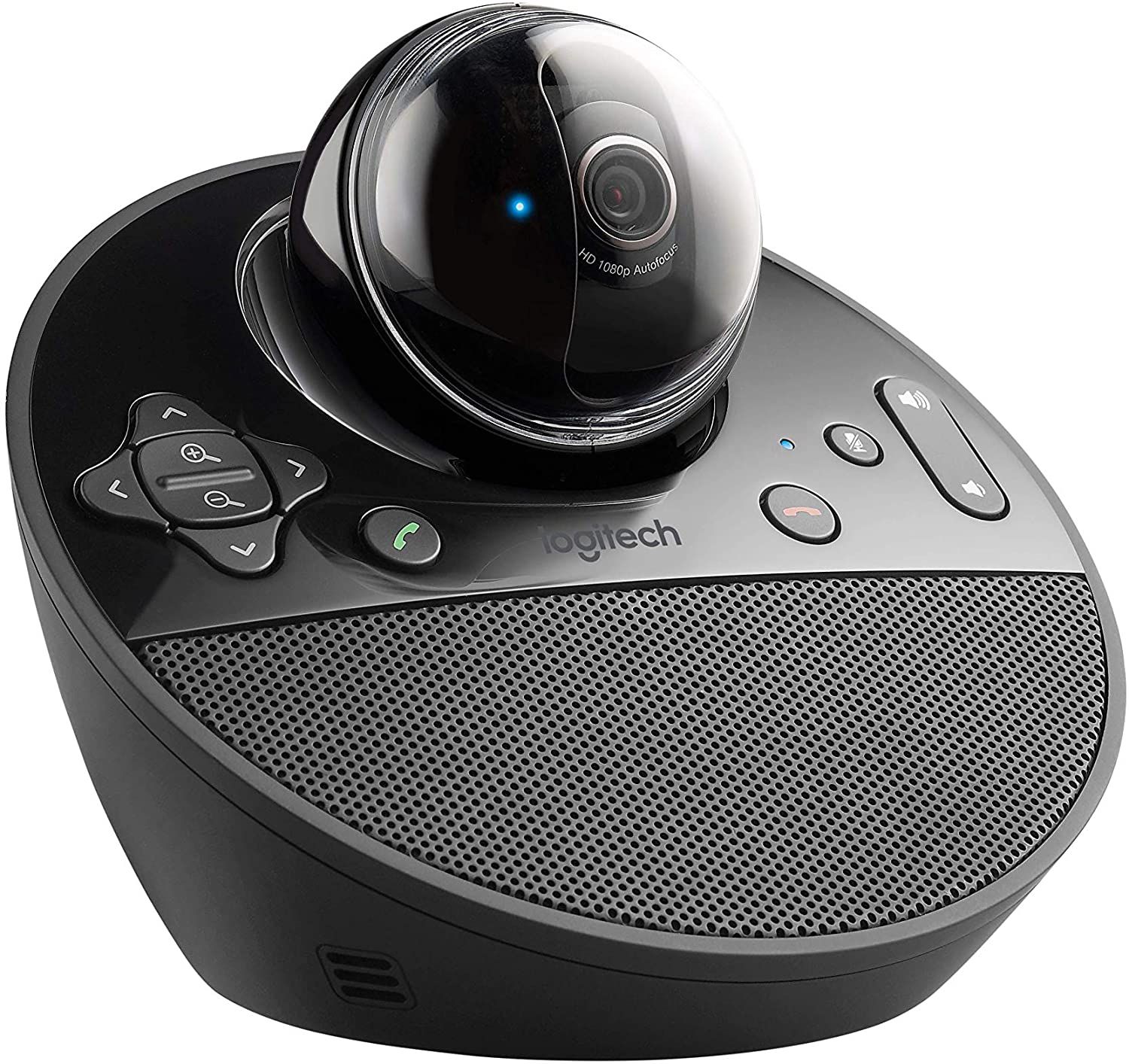
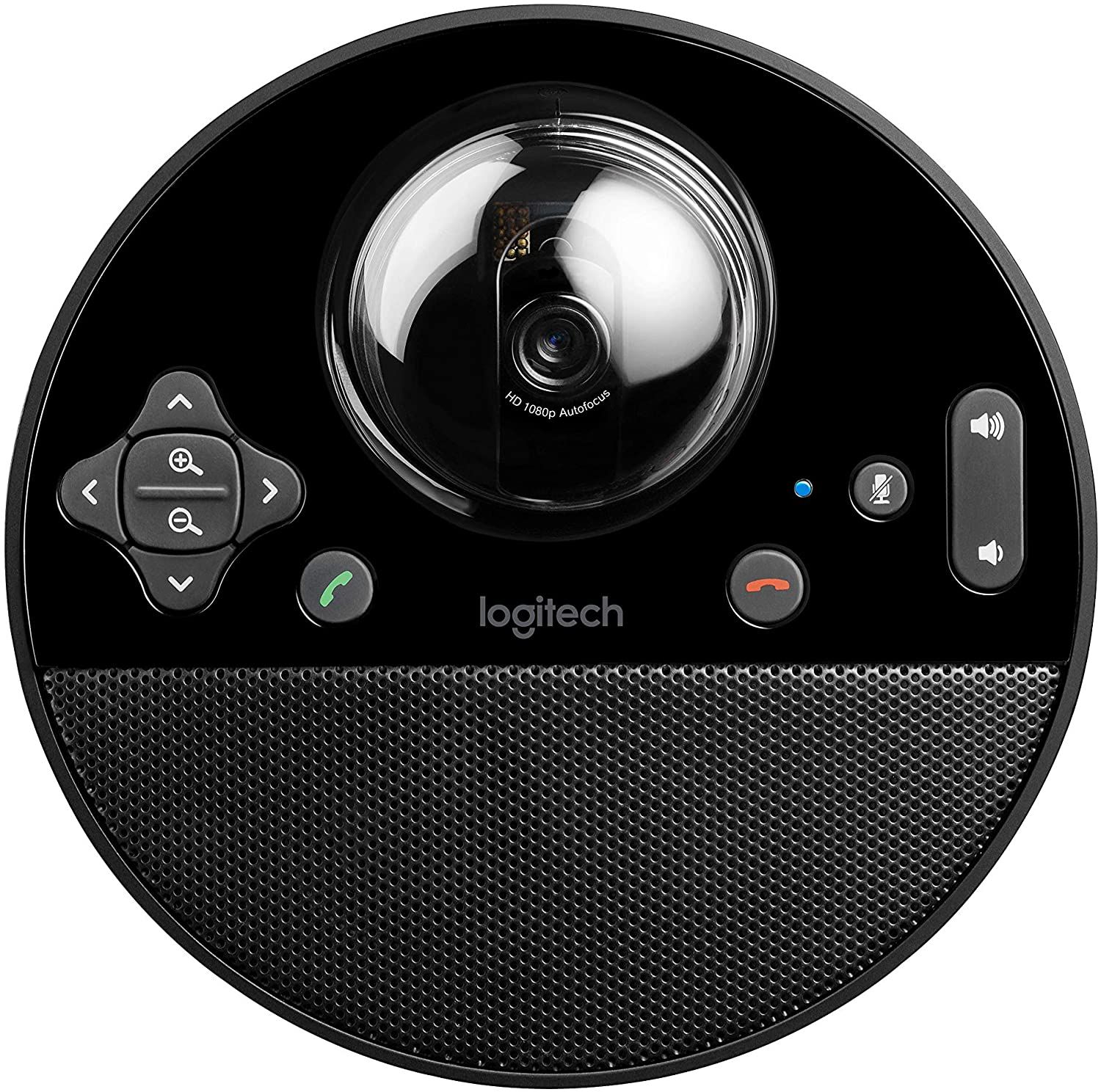
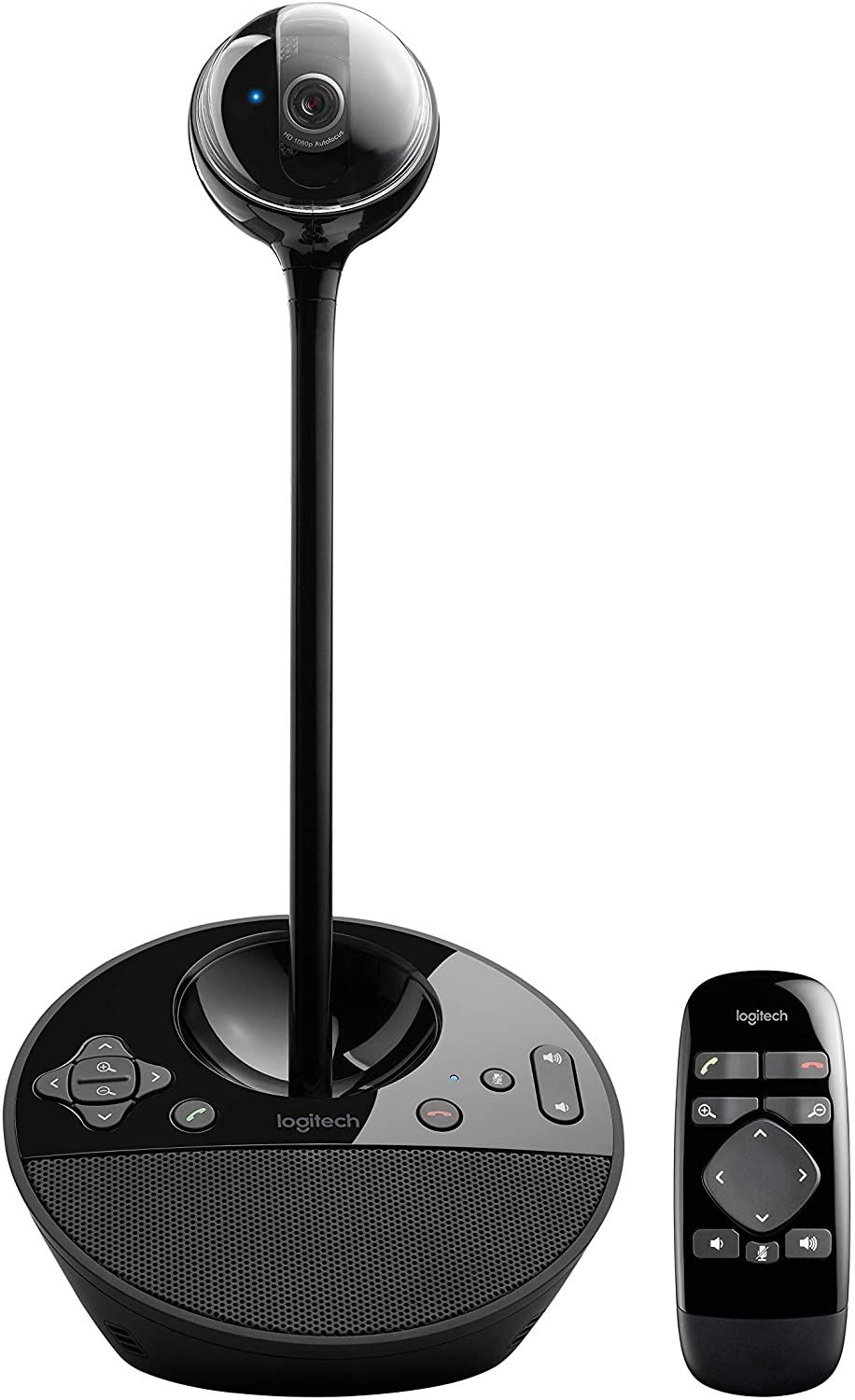
The Logitech BCC950 ConferenceCam is the best affordable video conferencing equipment you can buy without sacrificing image quality and sound quality. It's designed for small teams of up to four people and smaller huddle rooms.
For the price, you're getting an all-in-one video conferencing system with a 1080p motorized camera, noise-canceling mic, and a speakerphone. It's everything you need to fire up a virtual meeting with your remote employees.
The BCC950 is officially certified for Skype for Business, Zoom, and Fuze video conferencing platforms. It's also compatible with other service providers such as Cisco and Google Meet.
- Eight-foot voice pickup range
- Echo and noise canceling technology
- 1.2x zoom and 180 degrees pan
- Brand: Logitech
- Resolution: Full HD (1920x1080)
- Rotation: No
- Wide Angle Lens: 78 degrees
- Connection: USB
- Integrated Lighting: No
- Affordable
- Impressive video and sound quality
- Portable
- Narrow 78 degrees field of view


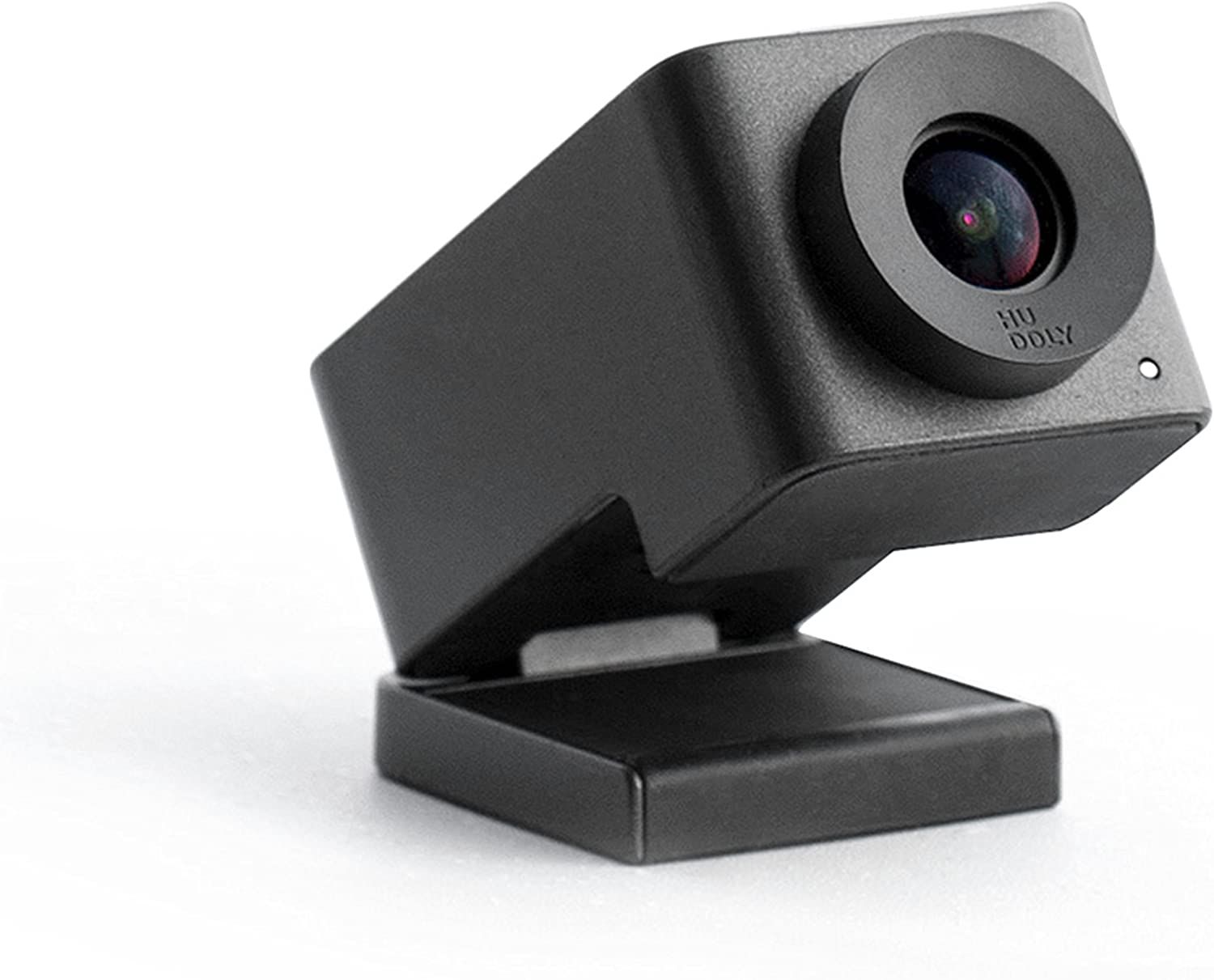
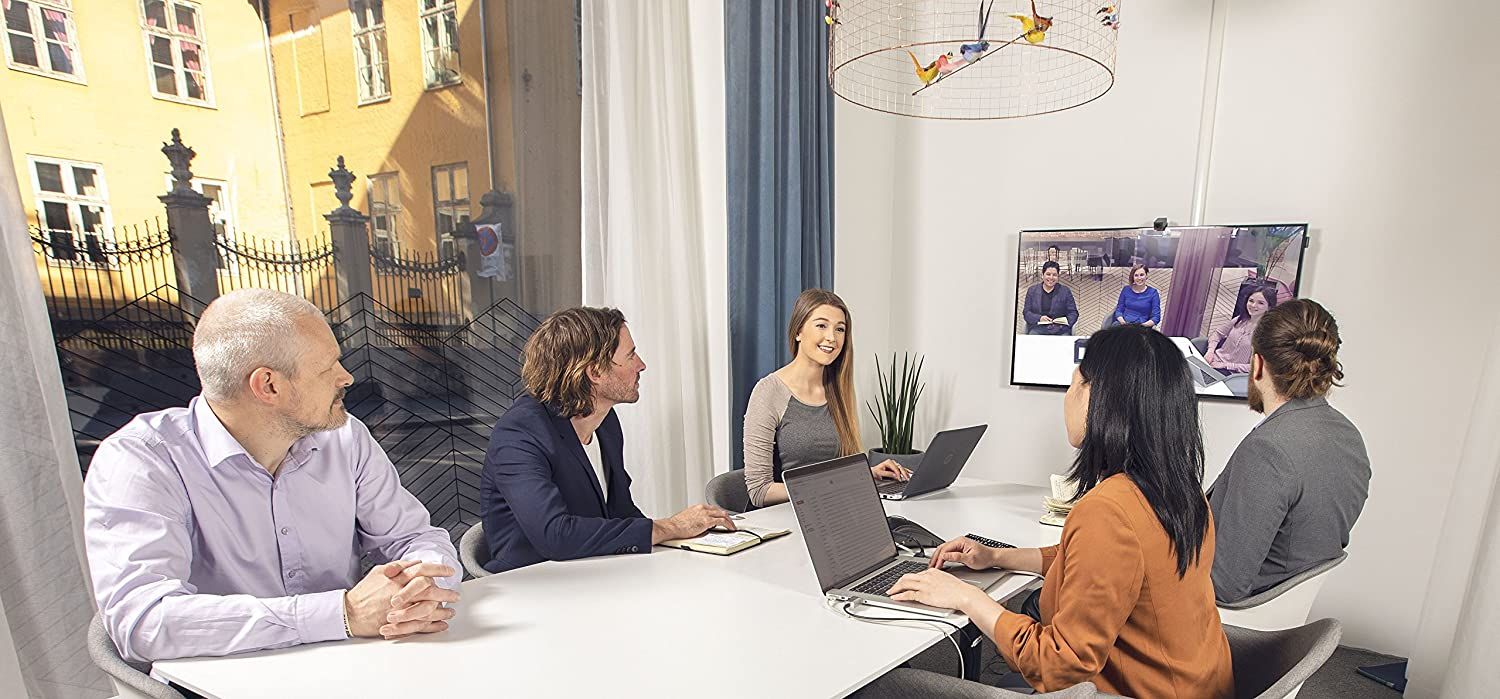
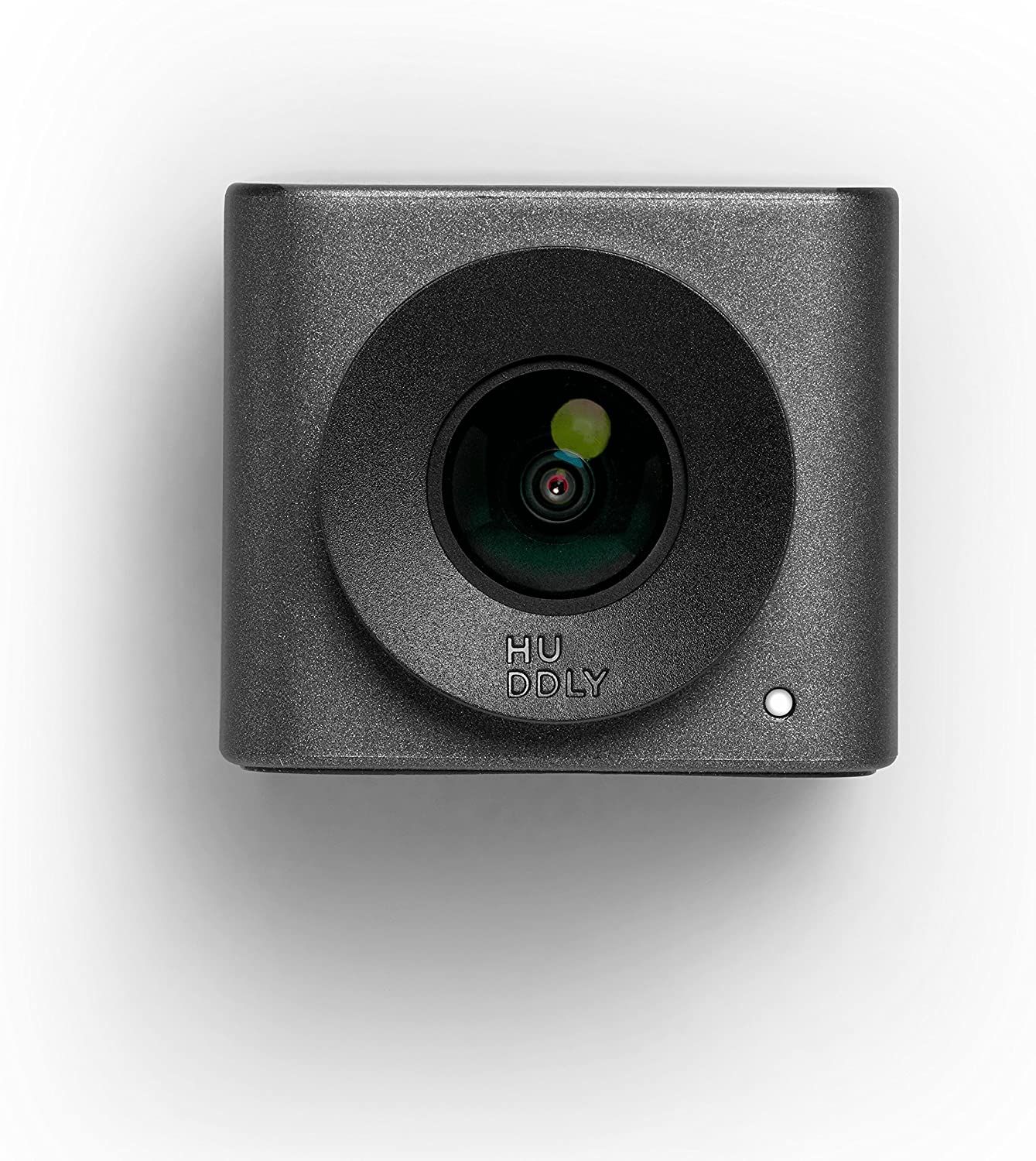
The Huddly GO Video Conferencing Camera is a budget 720p camera that easily clips onto a monitor or TV. The image quality isn't the best, but with white balance, color correction, and dynamic light optimization, your remote workers will hardly realize the loss of quality.
Fortunately, the Huddly GO is great for small meeting rooms. It can fit many people within a tight space, thanks to its super-wide 150-degree field of view. You can also easily adjust the camera using digital pan, tilt, and zoom.
- Integrated TV or monitor mount
- Software upgradeable
- Auto adjusts brightness
- Brand: Huddly
- Resolution: HD (1280x720)
- Rotation: No
- Wide Angle Lens: 150 degrees
- Connection: USB-C
- Integrated Lighting: No
- Affordable
- Very portable
- Easy to setup
- Wide angle lens
- Low 720p image quality
- No microphone or speaker
FAQ
Q: What Equipment Do You Need for Video Conferencing?
The equipment needed for video conferencing includes a camera, microphone, and speaker. The camera and microphone record the video and audio in the office so that the remote workers can hear and see you, and the speakers allow you to listen to them.
Some equipment combines the camera, microphone, and speaker in an all-in-one audio and video conferencing system, but you can also buy them separately or as a bundle. In addition, you'll also require a computer to connect to the video conference service, such as Zoom, and a display to see the remote participants.
Q: What Are the Minimum System Requirements for Video Conferencing?
You don't need to invest in a powerful computer for video conferencing. The minimum system requirements for video conferencing are a dual-core processor and 4GB RAM. Most Intel Core i3 processors or entry-level AMD chips fit the description.
Q: How Much Does Video Conferencing Equipment Cost?
Video conferencing equipment used to cost a premium, but the prices have been dropping in the last few years. You can now buy an all-in-one video conferencing system for comparatively little.




0 Comments