
Google has been making a transition to the Google Home app for all its smart home devices ever since the Nest brand was formed. Now, the Google WiFi app is going away for good and you'll manage all your devices from one central location.
Here's why Google is making the transition, when you need to make the switch, and how you can transfer over to the Google Home app without encountering any problems.
Why Is the Google WiFi App Going Away?
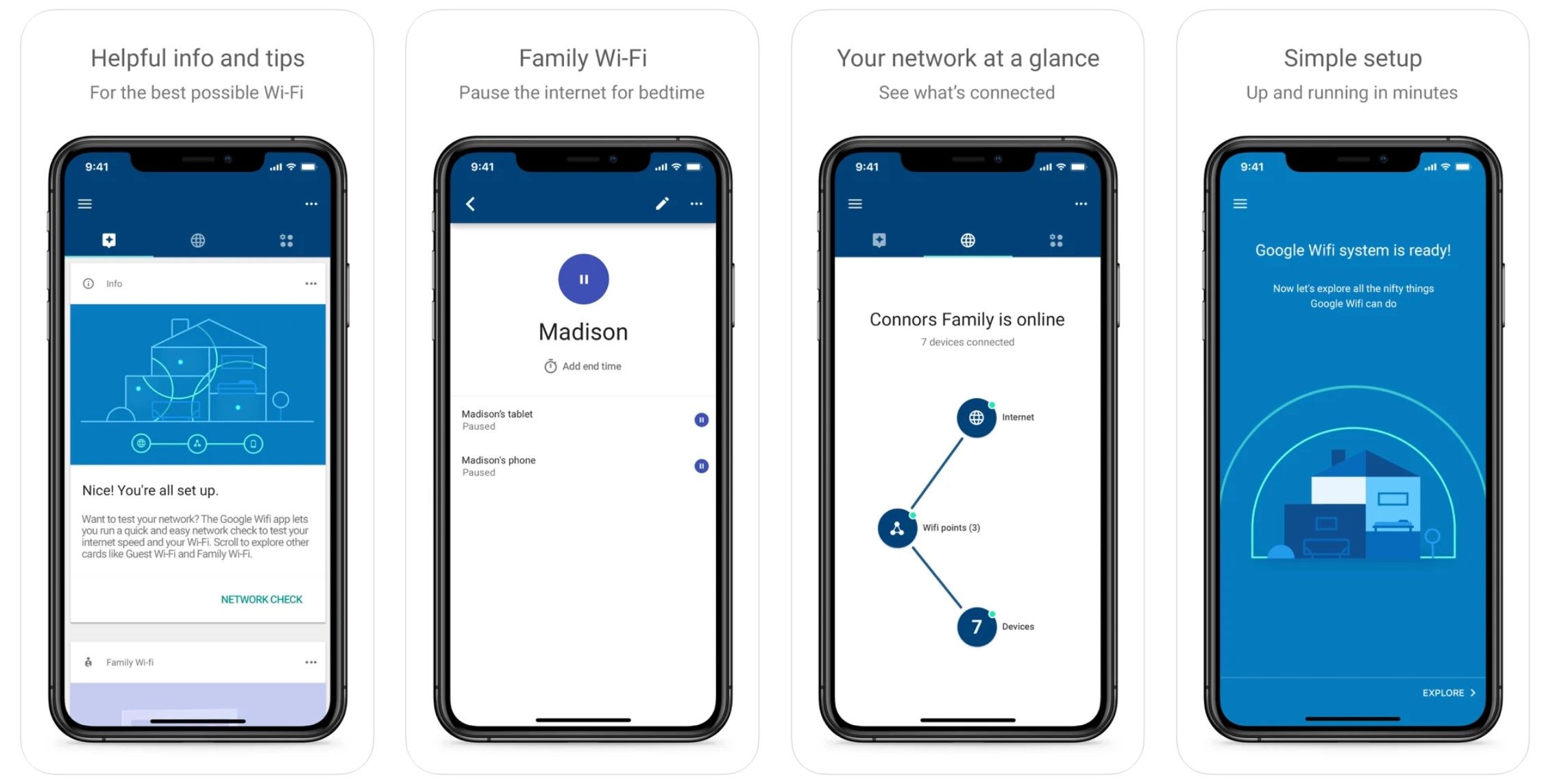
Originally, the Google WiFi app was created as a companion app to the mesh network hardware of the same name.
Since then, Google rolled out a host of new products and created another app called Google Home for iOS and Android.
Google is asking its customers to make the transition from Google WiFi to the Google Home app by July, when the WiFi app will be gone for good.
The change is an attempt by Google to have all your devices managed from one central location. All functionality for the WiFi app will be migrated over to the Google Home app, plus some.
The Nest WiFi system from Google was the first mesh network device to be fully controlled using only the Google Home app and you'll be able to do the same with any device connected to the internet.
How Will the Transition Work?
Starting May 25, Google WiFi users will need to transition over to the Google Home app in order to manage their internet connection.
After that date, you'll have to add new devices and access settings for existing devices using only the Google Home app. You'll still be able to view your network status using the Google WiFi app, but that's about it.
Google will remove the Google WiFi app from the Google Play Store and App Store. Plus, it will remove all functionality from the app and discontinue any support.
Once you make the transition to the new Home app, you will no longer be able to access the Google WiFi app.
If you added managers in your Google WiFi app to access your networks, they will be removed as well. You'll have to add them as members in the Google Home app to give them access.
Switching over doesn't mean you'll only be able to manage your connection. There is a number of new features you can enjoy while using the Google Home app.
What's New About the Google Home App
You can still manage your internet connections using the Google Home app, but now you can do it using Google Assistant on any Google speaker.
Pause your internet connection, check your internet speed, display a guest password on a Nest device with a screen, and add Nest WiFi point to an existing Google WiFi network only using verbal commands.
You'll also get improved network insights and better teleconferencing using the Google Home app.
Those that used the Google WiFi app for its advanced DNS and Universal Plug and Play settings will be happy to know the Google Home app includes these as well.
The only feature that won't make the original cut, but will be available in a future update, is the ability to track speeds for specific network devices.
How to Migrate From Google WiFi to Google Home


Google has made it incredibly easy for you to switch from the Google WiFi app to Google Home. Here's how to start with the Google Home app:
- Select the Plus icon
- Select Import Google WiFi network
- Select Next
- Choose a home
- Select Next
- Confirm your network
- Select Next
- Follow the in-app instructions
If you can't find your internet network, make sure it is online. You can always reset your router if you are having trouble finding the network. Unless your network is offline, the connection should happen without issues.
Multiple networks will require you to follow this process for each one. The Google Home app only supports one network per home so make sure to select a different home when adding multiple networks.
You can create up to five different homes using the Google Home app. Each home can have only one internet network.
Google Home Is the New Home for Your Google WiFi System
Starting May 25, Google will be removing functionality from the Google WiFi app and adding it to the Google Home app. Make the transition from the Google Home app before July, when the app will be removed and support will no longer be offered.
Once you've made the transition, make sure you know all the commands possible using your Google Home.




0 Comments